Last updated: October 2026 · Glomax8K editorial desk · the oldest format in streaming, still useful
The short answer
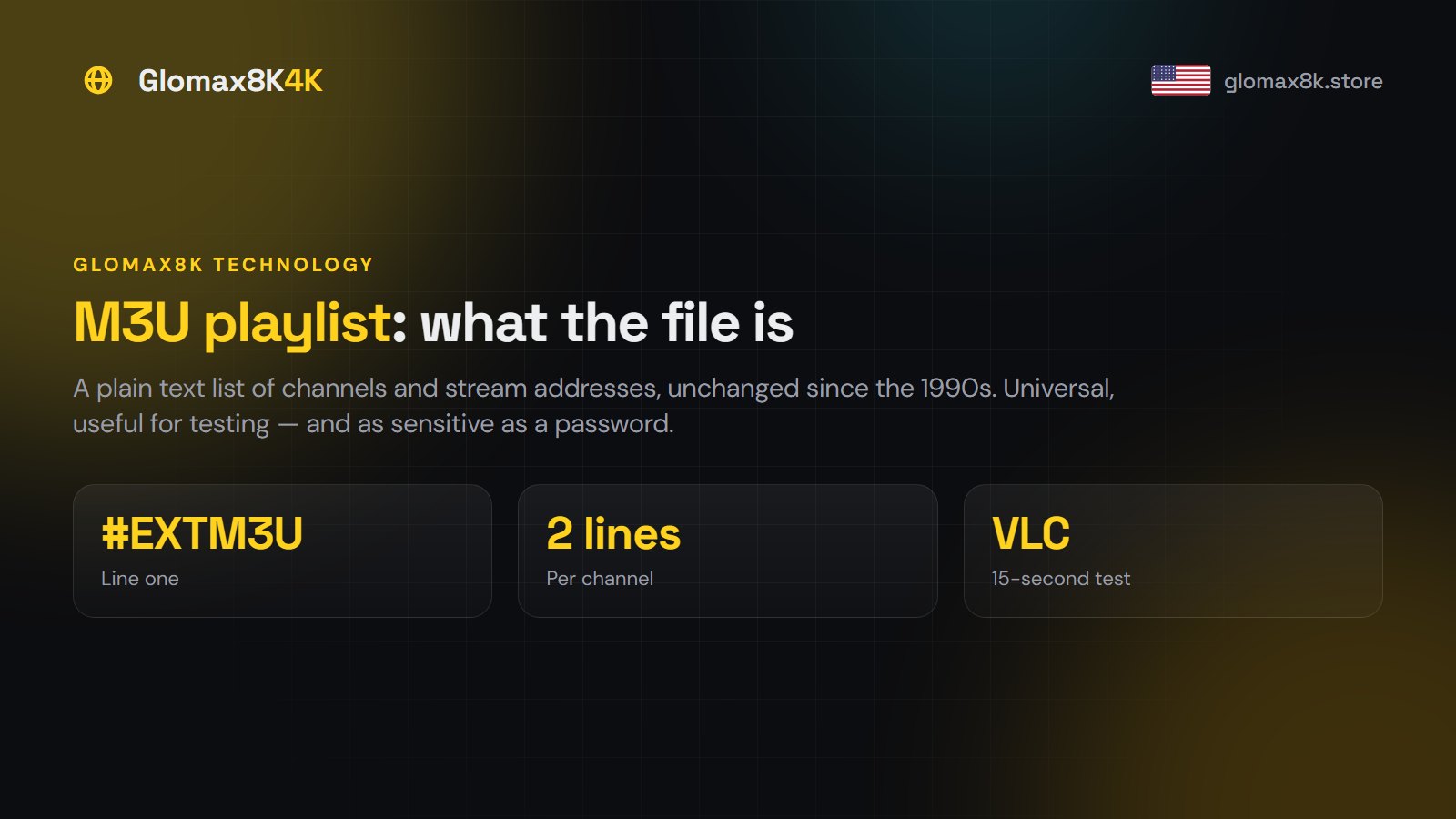
An M3U playlist is a plain text list of channel names and stream addresses, handed to you as one long URL. It is universal — VLC and almost every player reads it — but it is a one-way handout, so it usually arrives without the TV guide, the on-demand library or catch-up. Use Xtream Codes for daily viewing, and keep the M3U link for testing and for hardware that speaks nothing else.
What is actually inside the file
Open an M3U in a text editor and it is readable. The format has been around since Winamp in the 1990s and has barely changed:
| Line | What it does |
|---|---|
#EXTM3U |
Declares the file as an extended M3U. Always the first line |
#EXTINF:-1 tvg-id="..." group-title="Sports",ESPN HD |
Describes one channel: its guide ID, its group, its display name |
http://server:port/live/user/pass/1234.ts |
The actual stream address for that channel |
Those last two lines repeat, once per channel, for as many channels as the line carries. A line-up of 80,000 channels is a text file with 160,000 lines in it — which is why some players take a moment to load one, and why under-powered devices struggle.
Notice the stream address: your username and password are inside it, in plain text. That matters, and we come back to it below.
M3U against an API login
| M3U playlist | Xtream Codes API | |
|---|---|---|
| Live channels | Yes | Yes |
| 7-day TV guide | Usually not | Yes |
| Films and series | No | Yes, searchable |
| Catch-up | No | Yes, where supported |
| Channel groups | Crude | Proper |
| New channels appear | Only on refresh | Automatically |
| Opens in VLC | Yes | No |
| Works on old hardware | Almost always | Depends on the app |
The conclusion is not “M3U is bad”. It is that the two tools have different jobs.
When the M3U link is the right tool
- A fifteen-second sanity check. Paste the URL into VLC on a laptop and you know immediately whether a service is alive and whether your credentials work. Nothing else is that fast, and it isolates “is it the service or is it my TV app?” in one step.
- Hardware that speaks nothing else — some Smart TV apps, older boxes, network media players.
- Recording setups such as TVHeadend or Plex Live TV, which consume M3U and an XMLTV guide directly.
- A quick second screen where you do not care about the guide.
Opening one in VLC
- Open VLC on a computer.
- Media → Open Network Stream (Ctrl+N on Windows, Cmd+N on Mac).
- Paste the complete M3U URL. These links are long; a truncated copy fails silently.
- Press Play. VLC loads the list into its playlist pane — Ctrl+L shows it.
If channels play here but not on your TV, the service is fine and the problem is the TV app or the TV’s network. That is a genuinely useful five minutes.
Taming a huge list
A full line-up is unusable as a flat list. Three approaches, in order of effort:
- Use the player’s tools first. Favourites and hidden groups solve this for most people in ten minutes. Every decent player has them.
- Ask for a filtered line. We can issue credentials weighted to the countries you actually watch — just ask. Far simpler than editing files.
- Edit the file. Download the M3U, keep the
#EXTM3Uheader, delete the#EXTINF/URL pairs you do not want, save as.m3uand load it locally. Tedious, and it freezes the list at that moment — new channels will not appear.
Treat the link like a password
Because it is one. Anyone holding your M3U URL has your subscription.
- Never post it in a forum, a review, a Reddit comment or a screenshot. Crop carefully — a browser address bar counts.
- Never share it with friends. Their viewing takes your connections, and it breaches the terms.
- If you think it has leaked, ask us to reissue. It takes minutes and the old link dies.
Common problems
| Symptom | Cause | Fix |
|---|---|---|
| Link opens a download instead of playing | Browser, not a player | Paste into VLC or your app, not a browser |
| Empty playlist | Truncated URL | Re-copy the whole link |
| Channels but no guide | Normal for M3U | Use Xtream Codes instead |
| Loads very slowly | Large file, weak device | Ask for a filtered line |
| Worked, now rejected | Expired plan, or credentials reissued | Check both before reporting |
Next steps
We issue Xtream Codes by default and an M3U URL on request — take both: the API for daily viewing, the link for testing. Request a trial and try the M3U in VLC first; it is the fastest way to confirm a service works before you touch your TV. Device-by-device setup is in the installation guide.